
The Three Layers of AI Infrastructure Every Service Business Should Understand
The Three Layers of AI Infrastructure Every Service Business Should Understand
The Three Layers of AI Infrastructure Every Service Business Should Understand
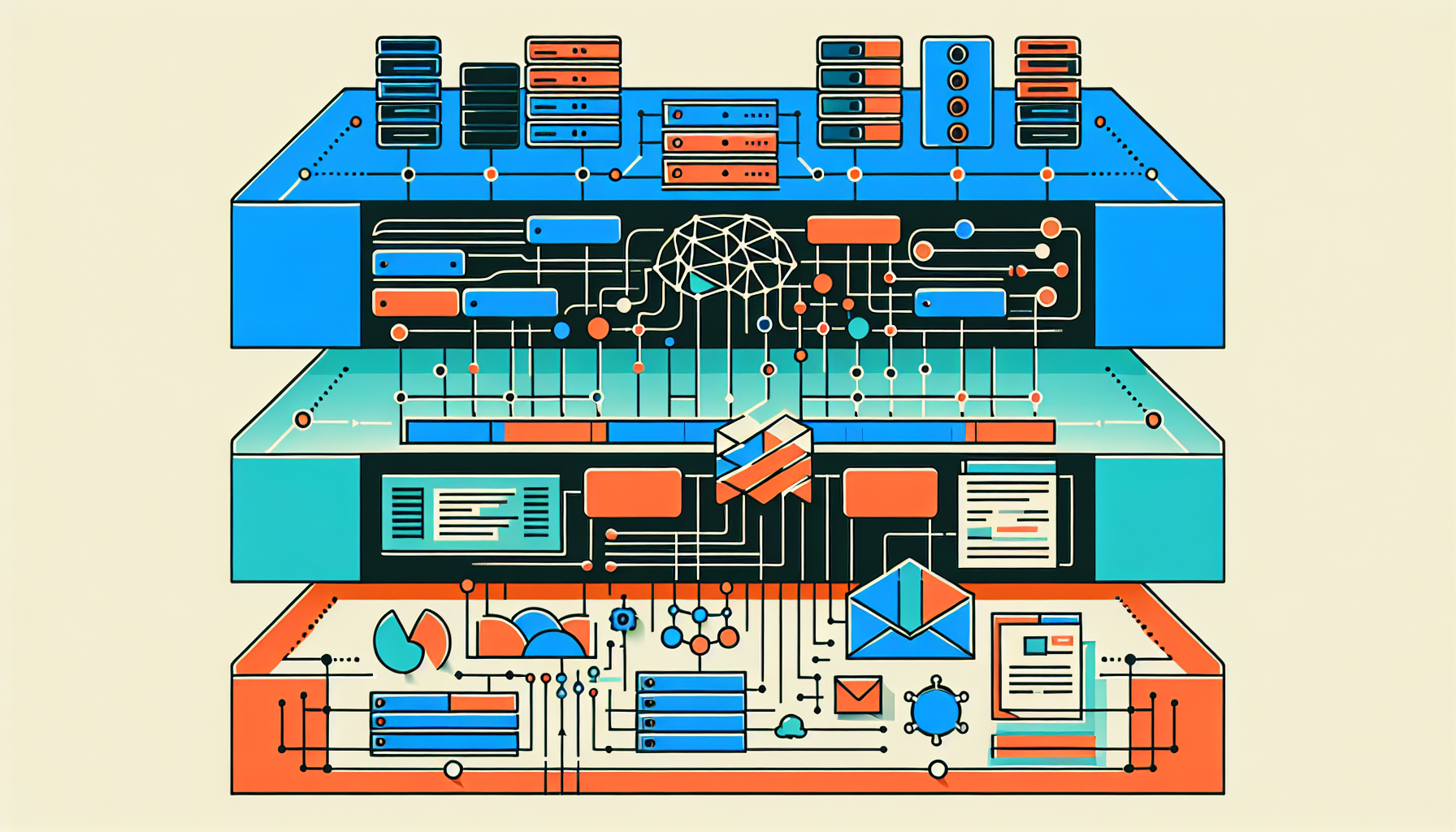
Most service business owners are making the same mistake when they think about AI. They're treating it like a single decision — "should I add AI to my business?" — when what they're actually deciding is which combination of three distinct layers to build, and in what order.
Get the layers wrong, and you end up with tools that don't connect to each other, insights that go nowhere, and a lot of money spent on software that doesn't change how the business operates.
Here's how the infrastructure actually breaks down.
Layer 1: Data Collection
This is the foundation. Before any AI can do anything useful, it needs reliable data to work with.
For a service business, that means your scheduling system is logging every appointment, cancellation, and rebook. Your CRM is capturing client history. Your job management tool is recording technician time, job status, and revenue per ticket. Your POS or invoicing system is closing the loop on what actually got paid.
Most businesses at 5–50 employees have this data. The problem isn't collection — it's that the data lives in three or four disconnected systems with no shared language between them.
A dental practice running Dentrix, Google Calendar, and QuickBooks has everything it needs at this layer. The data exists. It just hasn't been connected.
This layer doesn't require AI. It requires integration. The work here is making sure your systems can talk to each other and that the data going in is clean enough to be useful. Garbage in, garbage out applies here more than anywhere else.
Layer 2: Analysis and Alerting
Once your data is connected and clean, the second layer is where you start getting value from it — automatically, without someone pulling reports.
This is the intelligence layer. It's where agents monitor your data continuously and surface the things that actually need your attention: a technician whose utilization dropped 20% this week, a client segment that hasn't rebooked in 60 days, a revenue projection that's tracking 15% below Tuesday's average for this time on Thursday.
What this looks like in practice
An HVAC company with 12 technicians and roughly $180,000 in monthly revenue was losing an estimated $8,000–$11,000 per month to scheduling gaps — jobs that weren't filled because dispatchers didn't have a clear view of capacity across the week. No one was being negligent. The data to see those gaps existed. Nobody had built a system to surface it.
The Layer 2 fix wasn't complicated: an agent that compared scheduled job hours against available technician time, flagged underutilized days 48 hours out, and delivered that list every morning. The dispatchers already knew how to fill the gaps. They just needed to see them before the day was gone.
That's what this layer does. It turns data into prioritized action items — daily, automatically, without the owner having to go looking.
Layer 3: Automation and Execution
The third layer is where the system stops just surfacing information and starts doing things.
This is follow-up emails that go out when a client doesn't rebook within 72 hours. Appointment confirmation sequences that run without staff involvement. Invoices that generate automatically when a job closes. Review requests triggered by specific service outcomes.
Layer 3 gets the most attention because it looks like the most obvious time-saver. But it's also where most implementations fail — because automating a broken or disconnected process just creates a faster, more consistent version of the same problem.
The right build sequence
The mistake is jumping straight to Layer 3. The business tries to automate follow-up sequences before they have reliable client data (Layer 1) or any visibility into which follow-ups are actually working (Layer 2). The automations run, the results are murky, and the owner doesn't know whether the system is helping or not.
Build in order:
- Connect and clean your data — so the foundation is solid
- Add intelligence and alerting — so you know what's happening before it becomes a problem
- Automate execution — on top of a system that already has good data and visible outcomes
The businesses where this works aren't running the most sophisticated AI. They're running a well-sequenced stack where each layer does its job and feeds the next one.
Where most service businesses actually are
Five to fifteen employees: usually mid-Layer 1. Data exists, systems aren't connected. The highest-value move is integration and basic alerting.
Fifteen to thirty employees: often have Layer 1 mostly covered, but Layer 2 is still manual — the owner or a manager is doing the analysis by hand. Agents that automate the morning calculation are high-value here.
Thirty to fifty employees: Layer 2 needs to be working reliably before Layer 3 makes sense. Automation without visibility is where expensive mistakes happen.
If you want to know which layer your business is actually at — and which gaps are costing you the most — run the free AI audit at operably.ai/audit. It takes 3 minutes and gives you a specific answer, not a generic one.
Is this something your business needs?
Run the free audit to see which agents fit your operation — takes 3 minutes.
Stop executing. Start governing.
The worst case: you do the mapping session and leave with a clearer picture of what's costing you — before spending anything on a build.
Start with an operations audit →